Computer services
Computer Cleaning, Thermal Paste Replacement and Cooling Maintenance
Desktop and laptop dust cleaning, fan inspection, thermal paste and required thermal pad replacement, and temperature verification.
- Full dust cleaning
- Thermal paste replacement
- Temperature testing
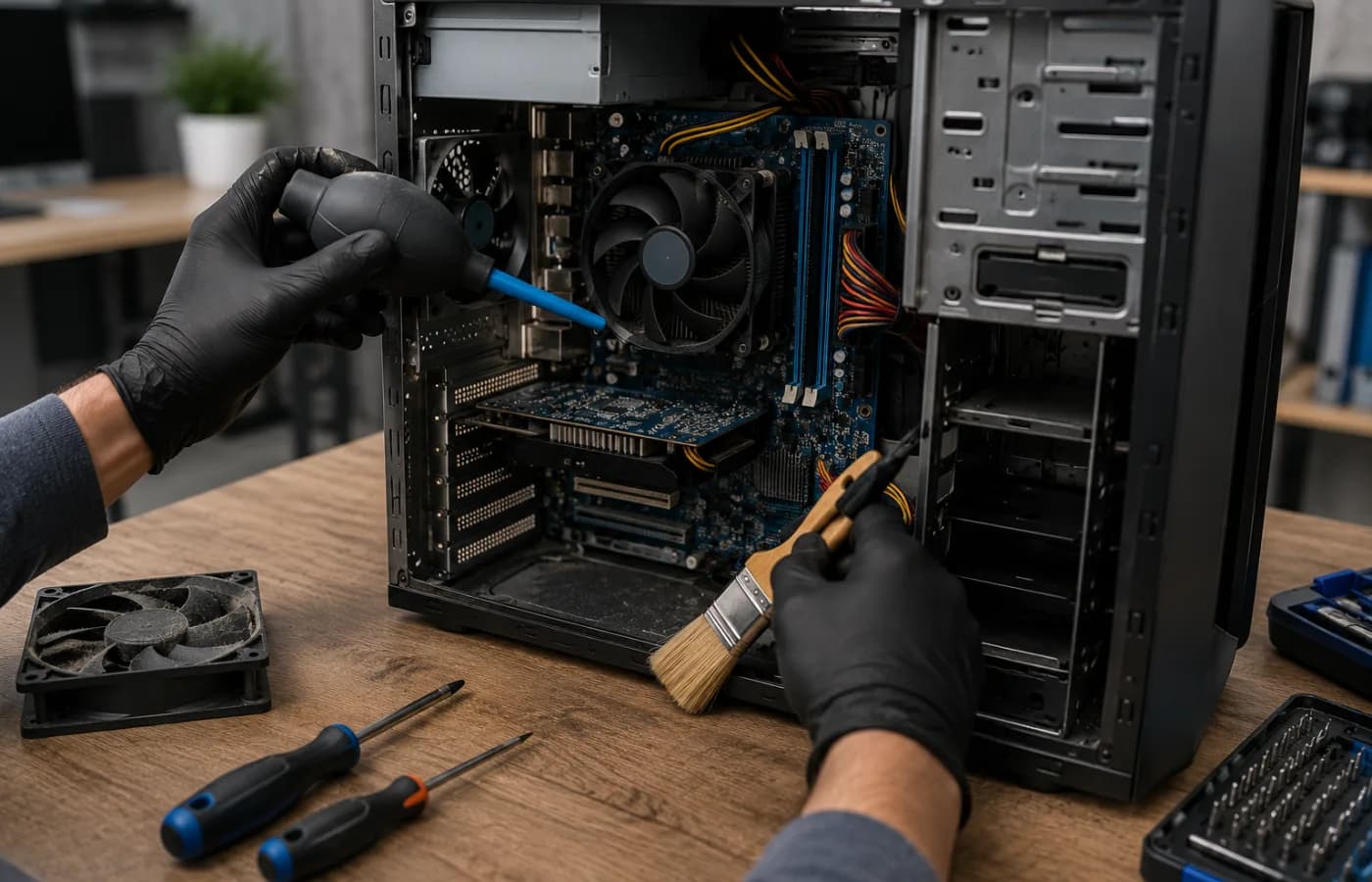
Computer Cleaning, Thermal Paste Replacement and Cooling Maintenance
Desktop and laptop dust cleaning, fan inspection, thermal paste and required thermal pad replacement, and temperature verification.
We work to an agreed plan, use compatible equipment, and fully verify the result before handover.
Share
Full dust cleaning
Correct planning reduces unnecessary cost and future technical issues.
Thermal paste replacement
Work is completed with a safe, standards-based approach.
Temperature testing
The system is tested, documented, and handed over to the customer.
Diagnostics and disassembly
The configuration is selected for the site, workload, and budget.
Cooling system maintenance
Compatible components and a defined installation plan are used.
Reassembly and load testing
Functionality, security, and ease of use are verified before handover.
- Home users
- Offices
- Education
Requirement assessment
We clarify the task, environment, equipment, and expected result.
Plan and quotation
We define scope, components, schedule, and indicative pricing.
Installation and configuration
We complete installation, software configuration, and required integrations.
Testing and handover
We test the system, explain its use, and hand it over fully operational.
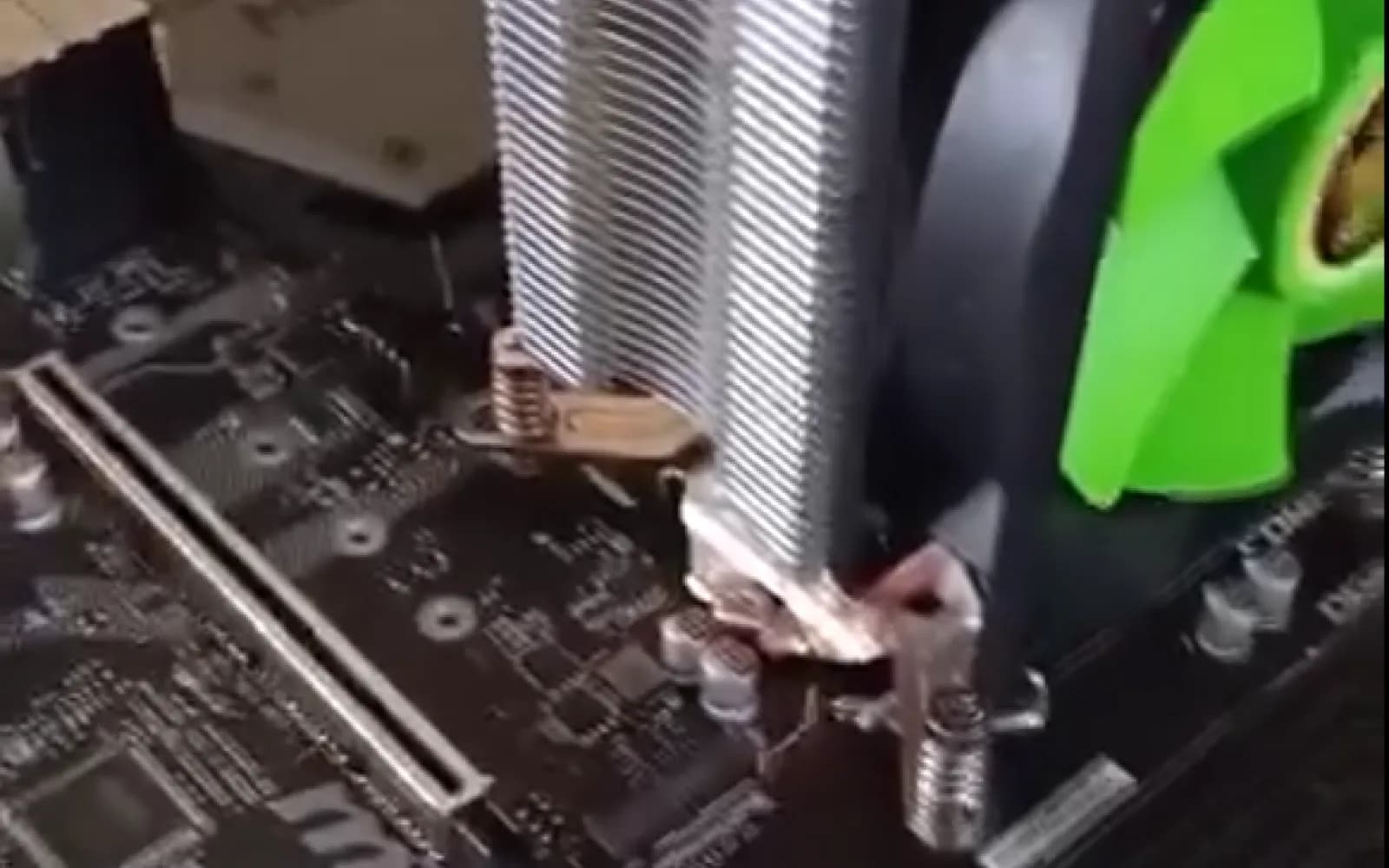
Computer Service & IT Support
Desktop Computer Dust Cleaning in Khashuri
- Device Type
- Desktop Computer
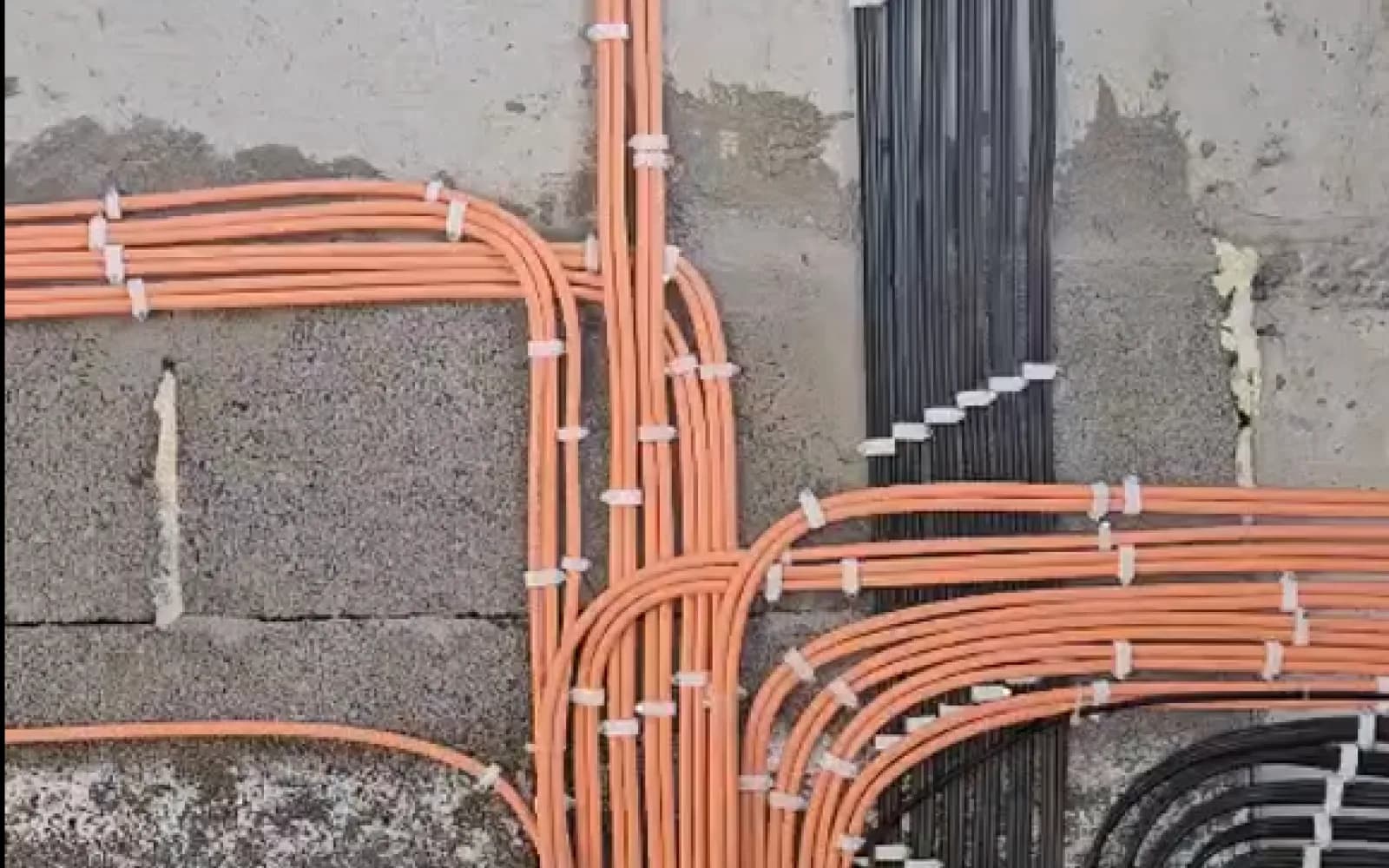
Low-Voltage Systems
Low-Voltage Cabling in Lisi, Tskhinvala — 26 Network Points
- Cable marking
- CAT6e
- Network technology
- Ethernet
- Project status
- In Progress
- Network cable used so far
- 600 m
- Work scope
- Low-voltage cabling infrastructure
- Infrastructure
- Structured Cabling Network
Computer Service & IT Support
Windows Reinstallation and Data Recovery in Varketili, Tbilisi
- Completed work
- Windows reinstallation
How often is cleaning needed?
Typically once a year, and more often in dusty environments or under heavy use.
Are thermal pads replaced too?
Only when necessary and after selecting the exact required thickness.
How is the result verified?
After reassembly, fan operation, temperatures, and stability under load are checked.
Why is diagnosis needed before cleaning?
Overheating is not always caused by dust. A preliminary check separates contamination, fan failure, airflow issues, and software load so unnecessary work is avoided.
How can I preserve the result after cleaning?
Keep the device on a firm surface with ventilation openings unobstructed. Monitor noise and temperature periodically; a sudden increase should prompt a timely inspection.
Need Computer Cleaning and Preventive Maintenance
Use the calculator for an estimate or send a request for an exact proposal.