Windows Installation, MBR/GPT Configuration and SSD Upgrade in Khashuri
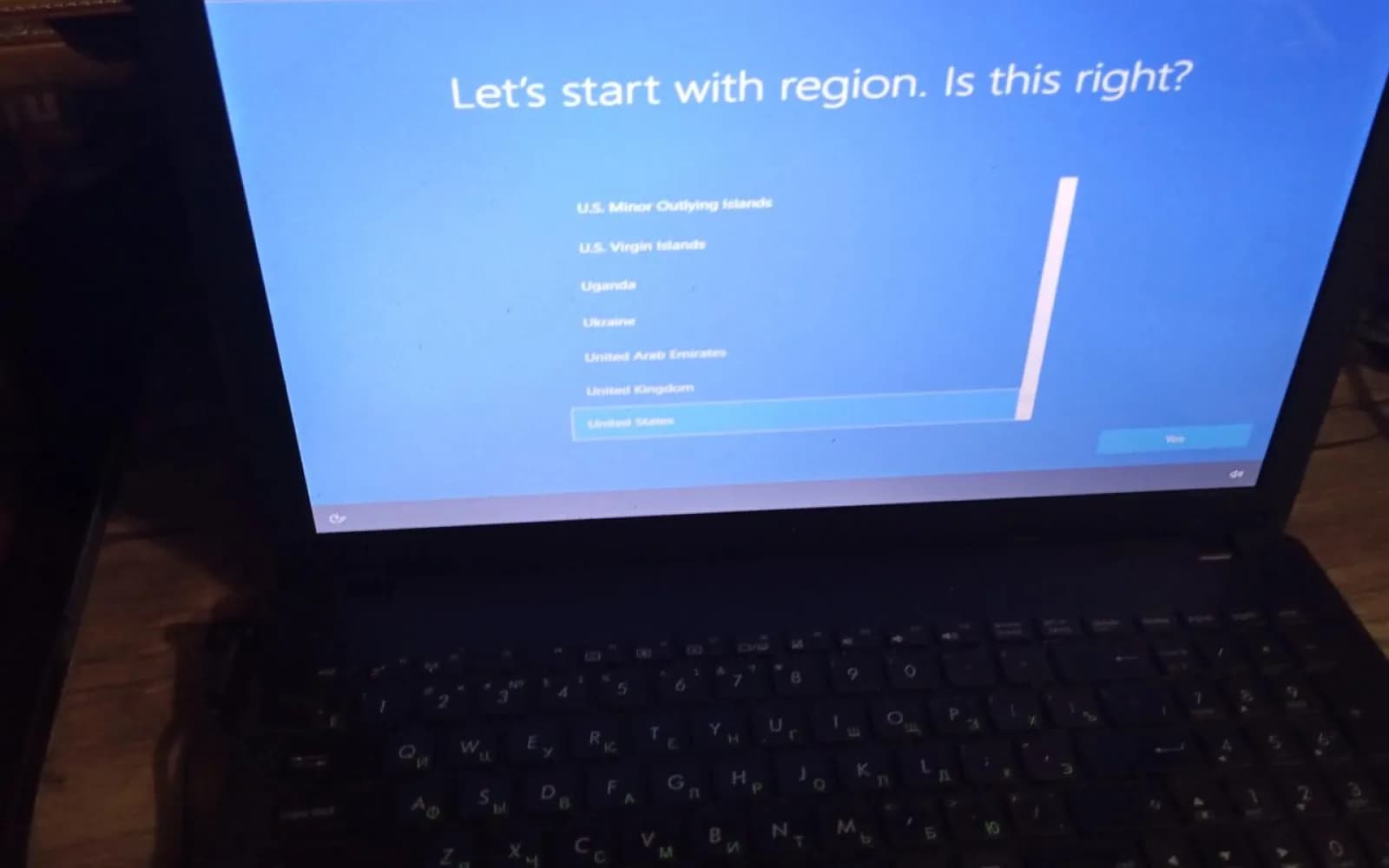
SafeTech provided technical service for two computers in Khashuri. Windows was installed on an older laptop, and a disk partition compatibility issue was resolved through the required MBR/GPT configuration, including the MBR to GPT conversion issue. An SSD was physically installed in the second desktop computer, important user files were backed up, and the system was prepared for a new operating system installation. The work focused on improving the computers’ working condition, resolving system compatibility issues and upgrading performance.
- Devices serviced
- 2 computers
Project scope
- City
- Khashuri
- Object type
- Computer equipment
- Operating system service
- Windows installation
Technical specifications
Related services and locations
Explore the service and location pages connected to this project.
Share
Project challenge
MBR/GPT compatibility issue
The older laptop required disk partition configuration compatible with the operating system installation process, including resolving the MBR to GPT conversion issue.
Implemented solution
System configuration and SSD installation
Windows was installed on the older laptop after the required MBR/GPT configuration. An SSD was physically installed in the second desktop computer, important files were backed up, and the system was prepared for a new operating system installation.
Implementation process
Inspection, configuration and testing
Both computers were inspected. The laptop was configured for Windows installation and tested after the operating system was installed. The desktop computer received an SSD, important files were backed up, and it was prepared for a new operating system installation.
Gallery
Project photos
Project results
Computers serviced
Technical service was provided for two computers.
SSD installed
One SSD was installed in the second desktop computer.